
Finding the best budget laptop doesn’t mean choosing the cheapest laptop you can find. A good budget laptop should provide enough performance for everyday tasks while offering reliable battery life, useful storage, a comfortable display, and a build that can handle regular use.
In 2026, there are more affordable laptop choices than ever, including Windows laptops, Chromebooks, and lightweight models. However, specifications and prices can vary considerably, so it’s important to know what you’re actually getting for your money.
Whether you’re a student, office worker, freelancer, or casual user, this guide will help you understand what makes a budget laptop worth buying.
Looking for a specific laptop? Check current laptop options on Amazon.
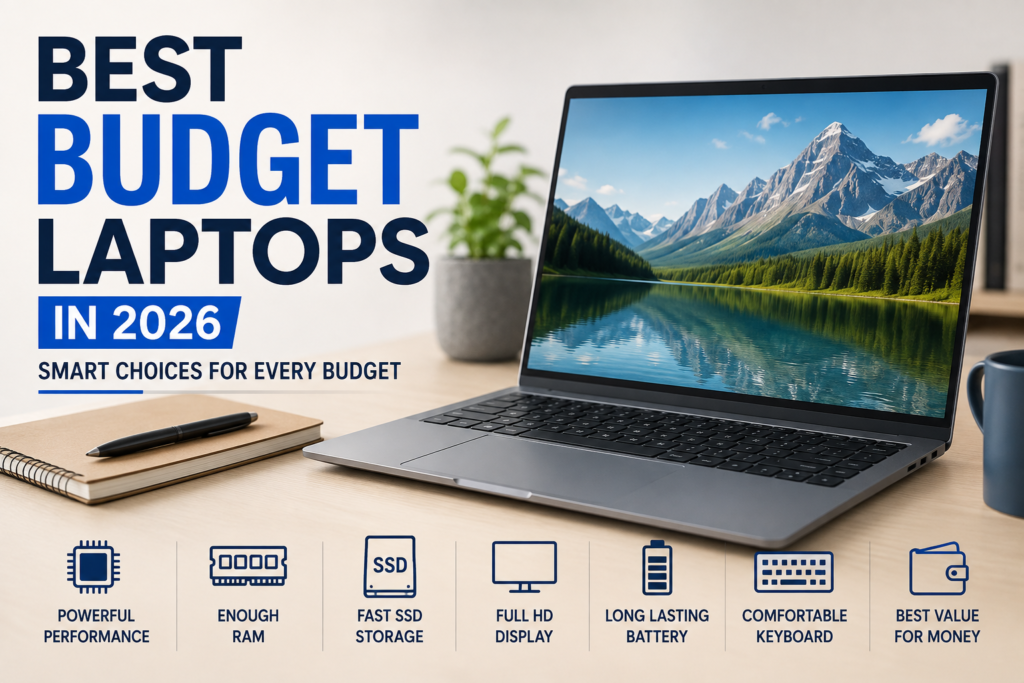
What Makes a Good Budget Laptop?
A good budget laptop should provide a sensible balance between:
- Performance
- RAM
- Storage
- Display quality
- Battery life
- Build quality
- Portability
- Price
You don’t necessarily need the most powerful processor or the largest screen. The best choice depends on how you plan to use the laptop.
1. Start With Your Main Purpose
Before looking at specifications, decide what you need the laptop to do.
For everyday activities such as:
- Web browsing
- Online classes
- Microsoft Office
- Google Docs
- Video calls
- Watching movies and videos
- Light freelancing
A reasonably equipped budget laptop should be enough.
However, video editing, advanced photo editing, demanding software, and modern gaming require considerably more performance.
Choose the laptop according to your workload, not simply according to its price.
2. Choose a Modern Processor
The processor has a major effect on how quickly a laptop performs everyday tasks.
Don’t judge a processor only by its brand name or labels such as Core i5 or Ryzen 5. Different generations and models can have very different performance levels.
When comparing budget laptops, check the exact processor model
A newer entry-level processor can sometimes be a better choice than an older, higher-numbered processor.
If you regularly multitask or want to keep your laptop for several years, spending a little more on a stronger modern processor can be worthwhile.
3. How Much RAM Do You Need?
RAM affects how smoothly your laptop handles multiple applications and browser tabs.
For a budget laptop in 2026, 8GB of RAM is a reasonable starting point, while 16GB is preferable for heavier multitasking and longer-term use.
For example, you can compare current 16GB laptop configurations on Amazon.
If you’re buying a laptop for basic schoolwork, browsing, and documents, 8GB may be enough.
If you frequently keep many tabs open or use several applications simultaneously, 16GB can provide more breathing room.
4. Get an SSD
Storage is another area where you shouldn’t compromise unnecessarily.
An SSD generally provides much faster startup and application loading than an older mechanical hard drive.
Look for:
- 256GB SSD as a basic starting point
- 512GB SSD if your budget allows
A 512GB SSD laptop can be a practical option if you need more space for files and applications.
A 512GB drive gives you considerably more room for applications, documents, photos, and other files.
Also remember that storage capacity isn’t everything. A fast SSD can make a laptop feel much more responsive during everyday use.
5. Don’t Ignore the Display
You will look at your laptop screen every time you use it, so display quality matters.
For most buyers, a Full HD display is a sensible minimum target.
Also consider:
- Screen size
- Brightness
- Viewing angles
- Color quality
- Refresh rate
- Touchscreen support
A 14-inch laptop can be a good balance between portability and screen space.
A 15- or 16-inch laptop may be better if you mainly work at a desk.
6. Battery Life Can Make a Big Difference
Battery life is especially important if you study, work, or travel away from a power outlet.
Remember that manufacturers’ battery claims are based on specific testing conditions. Real-world battery life can vary depending on screen brightness, applications, Wi-Fi use, video playback, and other factors.
If portability is important to you, pay attention to independent battery testing rather than relying only on the manufacturer’s advertised number.
7. Check the Keyboard and Trackpad
Specifications don’t tell the whole story.
A laptop with a powerful processor can still be frustrating if the keyboard is uncomfortable or the trackpad isn’t responsive.
Before buying, consider:
- Keyboard layout
- Key travel
- Trackpad responsiveness
- Webcam quality
- Speaker quality
- Build quality
If possible, try the laptop in a store before buying it.
8. Check the Ports and Connectivity
Think about the accessories you’ll use with your laptop.
Useful connections can include:
- USB-A
- USB-C
- HDMI
- Headphone jack
- MicroSD or SD card slot
USB-C is particularly useful because it can support charging, accessories, and external displays on compatible laptops.
Don’t assume that every thin laptop will have all the ports you need.
Windows Laptop or Chromebook?
Your operating system should match the software you use.
Windows Laptops
Windows laptops are a good choice if you need traditional desktop applications or broad software compatibility.
They’re suitable for:
- Office work
- Education
- Freelancing
- General productivity
- Programming
- Many types of creative software
Chromebooks
Chromebooks can be attractive for users who mainly work online.
They’re particularly suitable for:
- Web browsing
- Online classes
- Google Workspace
- Streaming
- Basic productivity
See current Chromebook options on Amazon.
What About Budget Gaming Laptops?
If you’re interested in gaming, be careful when shopping at the lowest price points.
Gaming usually requires:
- A stronger processor
- More RAM
- A capable graphics processor
- Adequate cooling
- A suitable display
A basic budget laptop designed for office work isn’t necessarily suitable for modern games.
If gaming is your main priority, it is usually better to look specifically for a budget gaming laptop rather than trying to turn an ordinary budget laptop into a gaming machine.
Should You Buy a Refurbished Laptop?
A refurbished laptop can sometimes provide excellent value.
You may get a higher-quality business-class laptop for less money than a new entry-level model.
However, check:
- Battery condition
- Warranty
- Return policy
- Physical condition
- Exact processor
- RAM
- SSD health
- Seller reputation
Don’t buy an older laptop simply because it has an impressive-sounding processor. A newer, more efficient processor may provide better overall value.
Common Budget Laptop Mistakes
Choosing the Cheapest Laptop
The lowest price doesn’t always mean the best value. A slightly more expensive model may provide significantly better performance and usability.
Looking Only at the Processor
CPU performance is important, but RAM, storage, display, battery life, and build quality also matter.
Buying Too Little RAM
If your budget allows, 16GB can be a better long-term choice than 8GB.
Choosing an Old Hard Drive
An SSD is generally a much better choice for everyday laptop use.
Ignoring the Display
A poor-quality display can make long work or study sessions uncomfortable.
Not Checking the Exact Configuration
Laptop models can have several configurations. Always check the exact processor, RAM, storage, display, and operating system before buying.
How Much Should You Spend on a Budget Laptop?
There isn’t one universal budget.
A student who needs a laptop for documents and online classes may need considerably less performance than someone editing videos or running demanding software.
Instead of choosing a fixed price first, decide what you need the laptop to do.
Then look for the best configuration within your available budget.
Final Thoughts
The best budget laptop in 2026 isn’t necessarily the cheapest model or the one with the biggest specification numbers.
A smart purchase should give you the right combination of performance, RAM, SSD storage, display quality, battery life, and usability for your needs.
For everyday users, a modern processor, 8GB or preferably 16GB RAM, SSD storage, a good Full HD display, and reliable battery life are sensible starting points.
Before buying, compare the exact configuration, read independent reviews, and check the warranty and return policy.
Most importantly, don’t pay for specifications you’ll never use.
The best budget laptop is the one that gives you the features and performance you actually need without wasting your money.
Pingback: How to Choose the Right Monitor for Gaming or Work